1. When I click on "Create my account" through the LumiCon email it says Error
Possible Causes:
- The invitation linked has expired. A LumiCon invitation link is valid for 7 days, after that timeframe the link expires and requires a new invitation link to be sent out.
- Solution: Contact your company's administrator or original invitor to resend the new invitation link
- Your company's network's firewall may be blocking access to our LumiCon platform.
- Solution #1:
- Disconnect your device from the company's network by turning off wifi and connect to the internet via your mobile cellular network (if using a computer, use hotspot from your mobile)
- Retry accessing the link and follow LumiCon account creation steps
- Continue accessing the LumiCon platform via the mobile network/hotspot throughout the duration of your project
- Solution #2:
- To remove the firewall restriction from your company's network, request your company's IT department to contact LumiCon support via support@lumicon.io or +1 (877) 873-1792 to for a list of domain and ports to whitelist
- Solution #1:
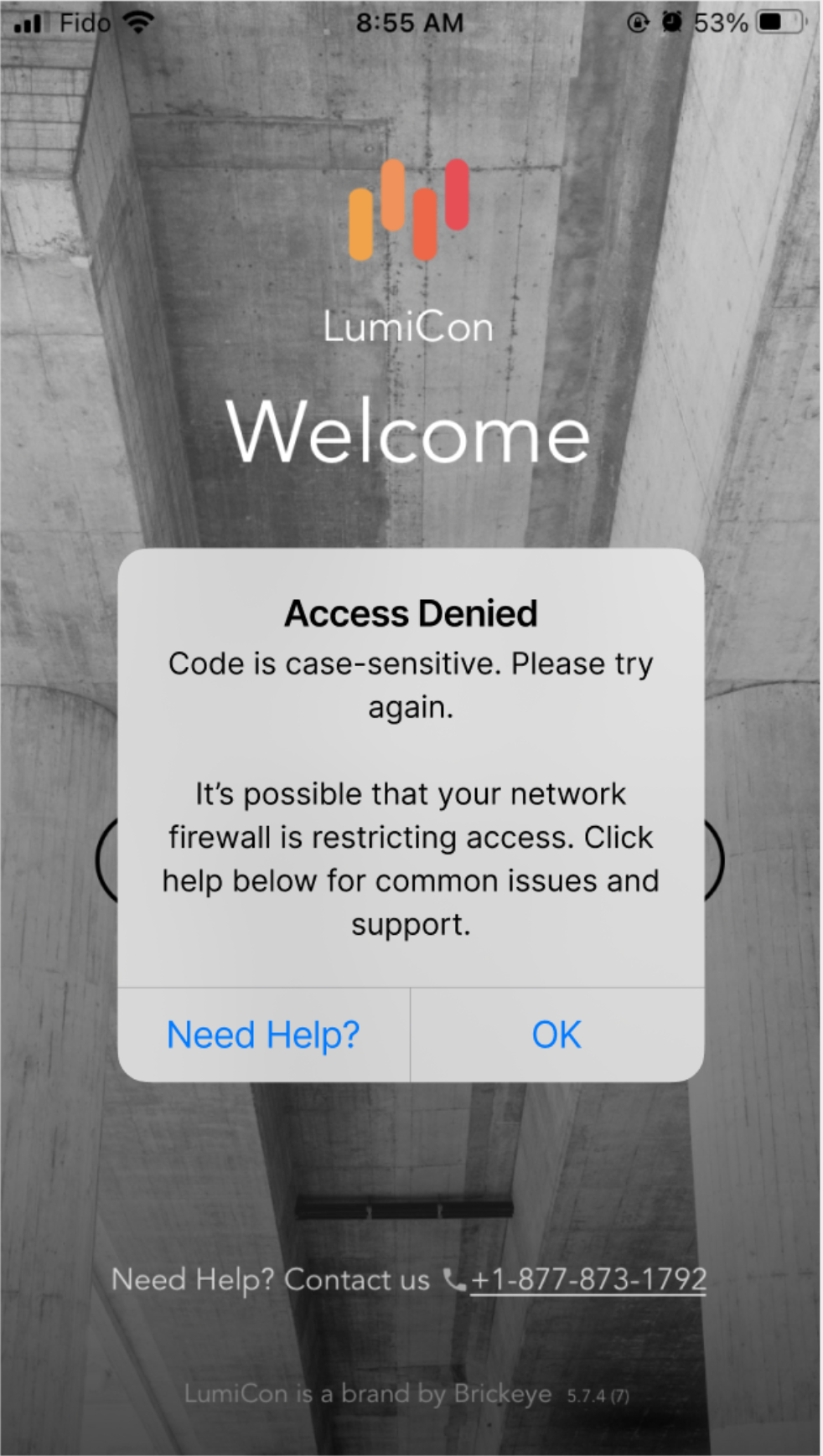
2. When I try logging into the LumiCon platform, it says my code is incorrect.
Web: Mobile:
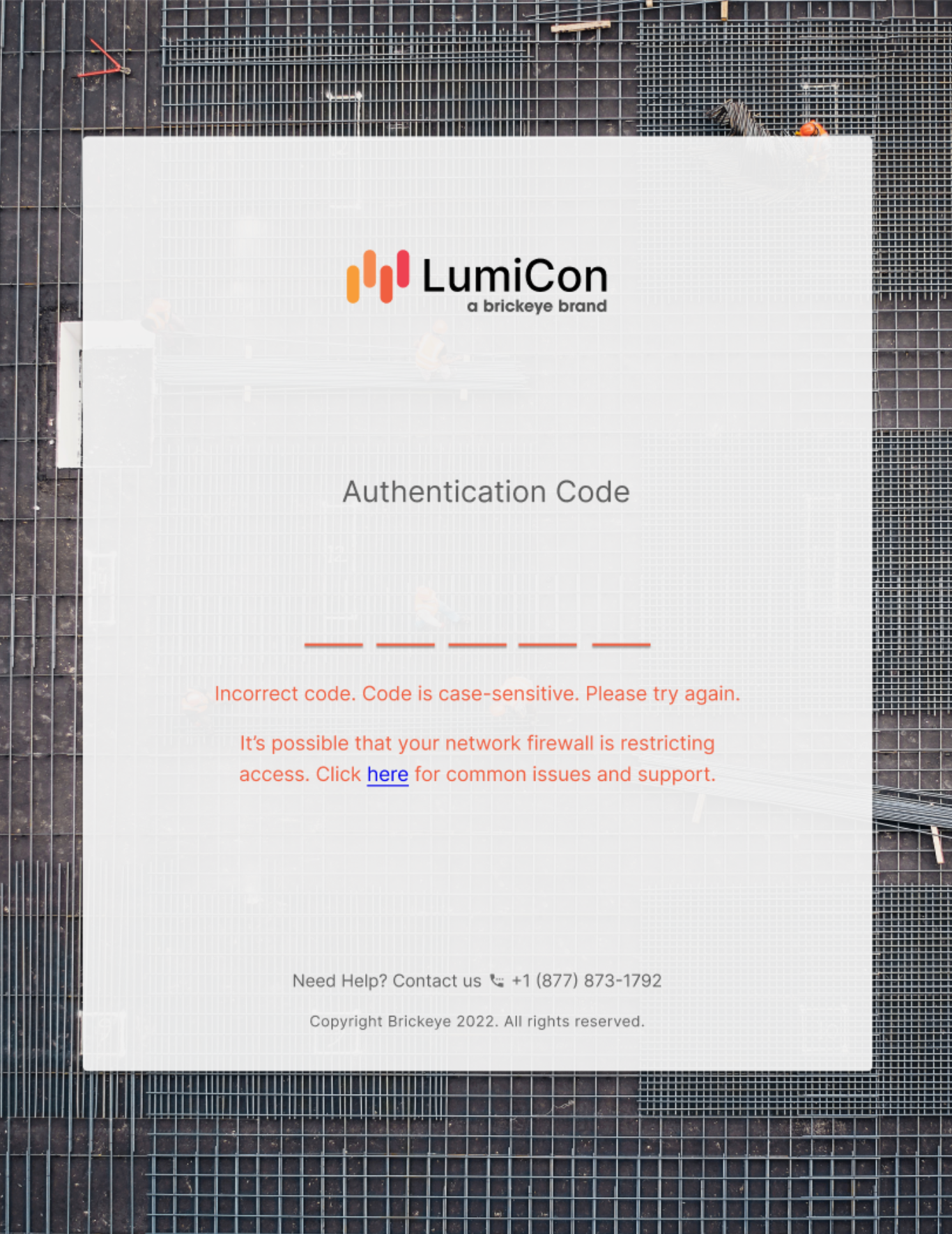 .
. 
Possible Causes:
- The authentication code is inputted incorrectly - ensure the code is entered in exactly as it appears. The code is case sensitive.
- Your company's firewall may be blocking access to our LumiCon platform, as a result our platform is telling you the authentication code is incorrect when you have entered it correctly.
- Solution #1:
- Disconnect your device from the company's network by turning off wifi and connect to the internet via your mobile cellular network (if using a computer, use hotspot from your mobile)
- Re-enter the authentication code
- Continue accessing the LumiCon platform via the mobile network/hotspot throughout the duration of your project
- Solution #2:
- To remove the firewall restriction from your company's network, request your company's IT department to contact LumiCon support via support@lumicon.io or +1 (877) 873-1792 to for a list of domain and ports to whitelist
- Solution #1: